
The Christmas order book that adds itself up
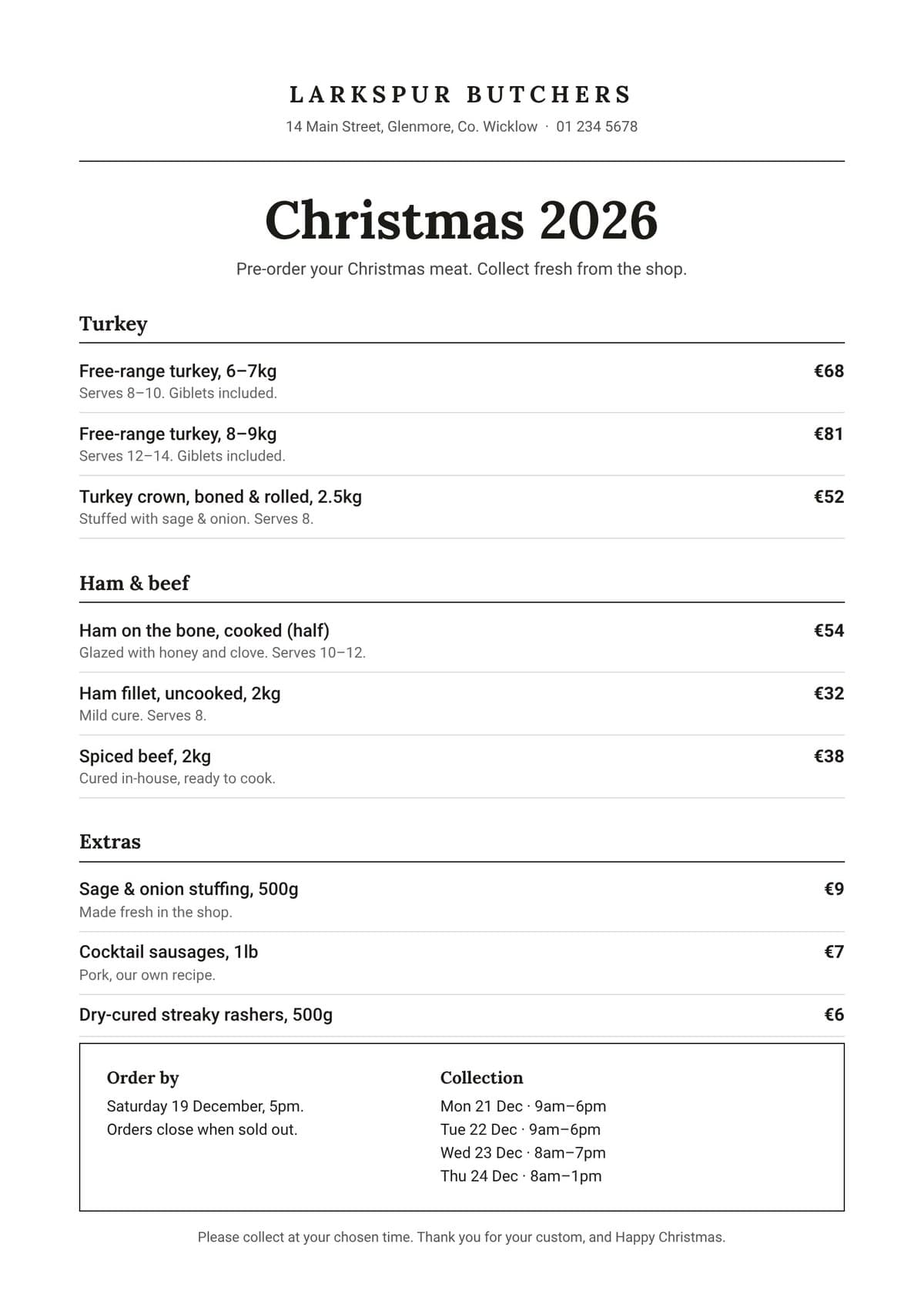
Our butcher has had enough of the scribbled book. One photo of his Christmas price list, and Cosmo by Tenvito turns it into an online order book in about a minute. After that, the admin looks after itself.
GuideButchers17 November 2026 · 2 min read
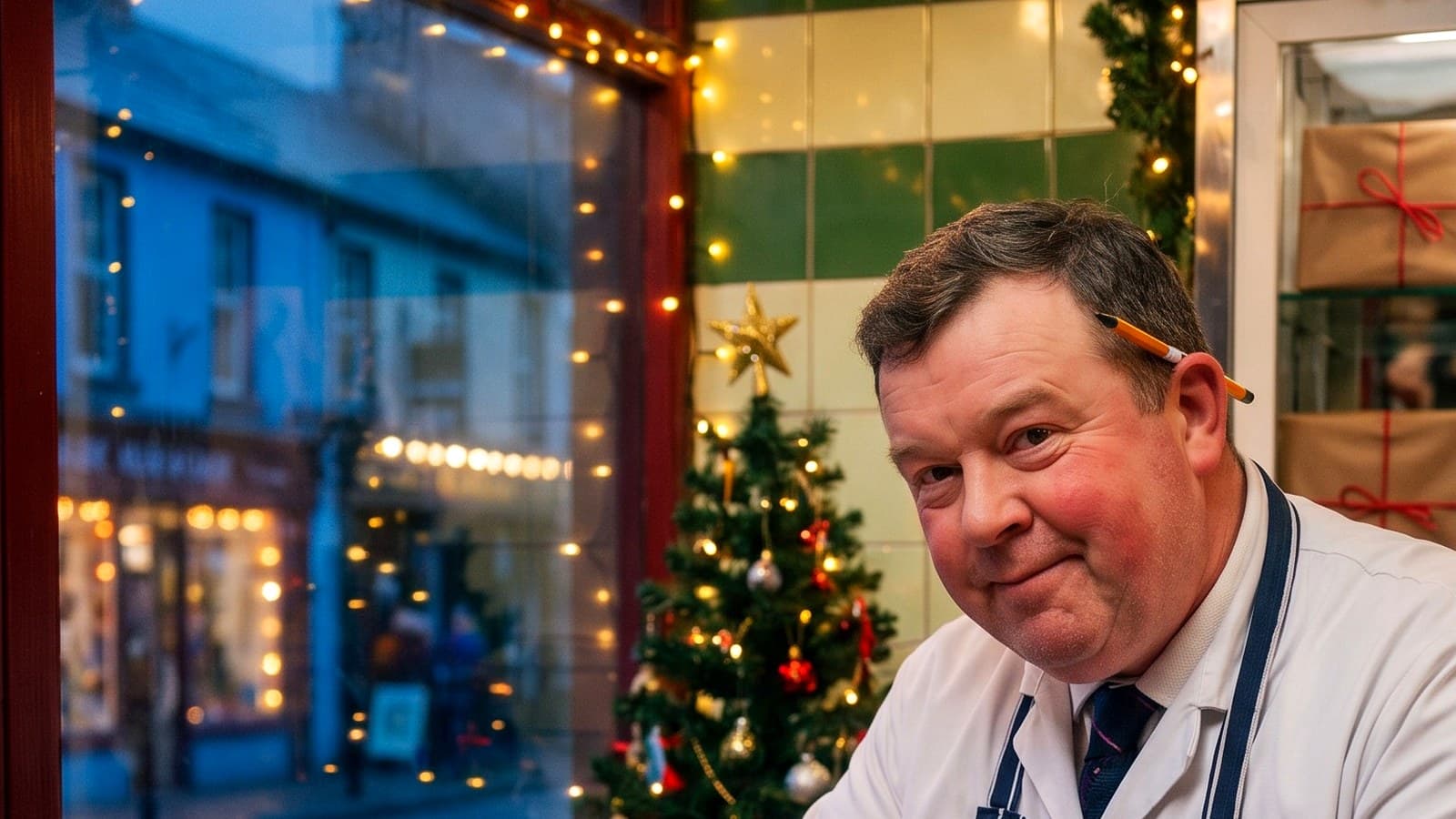
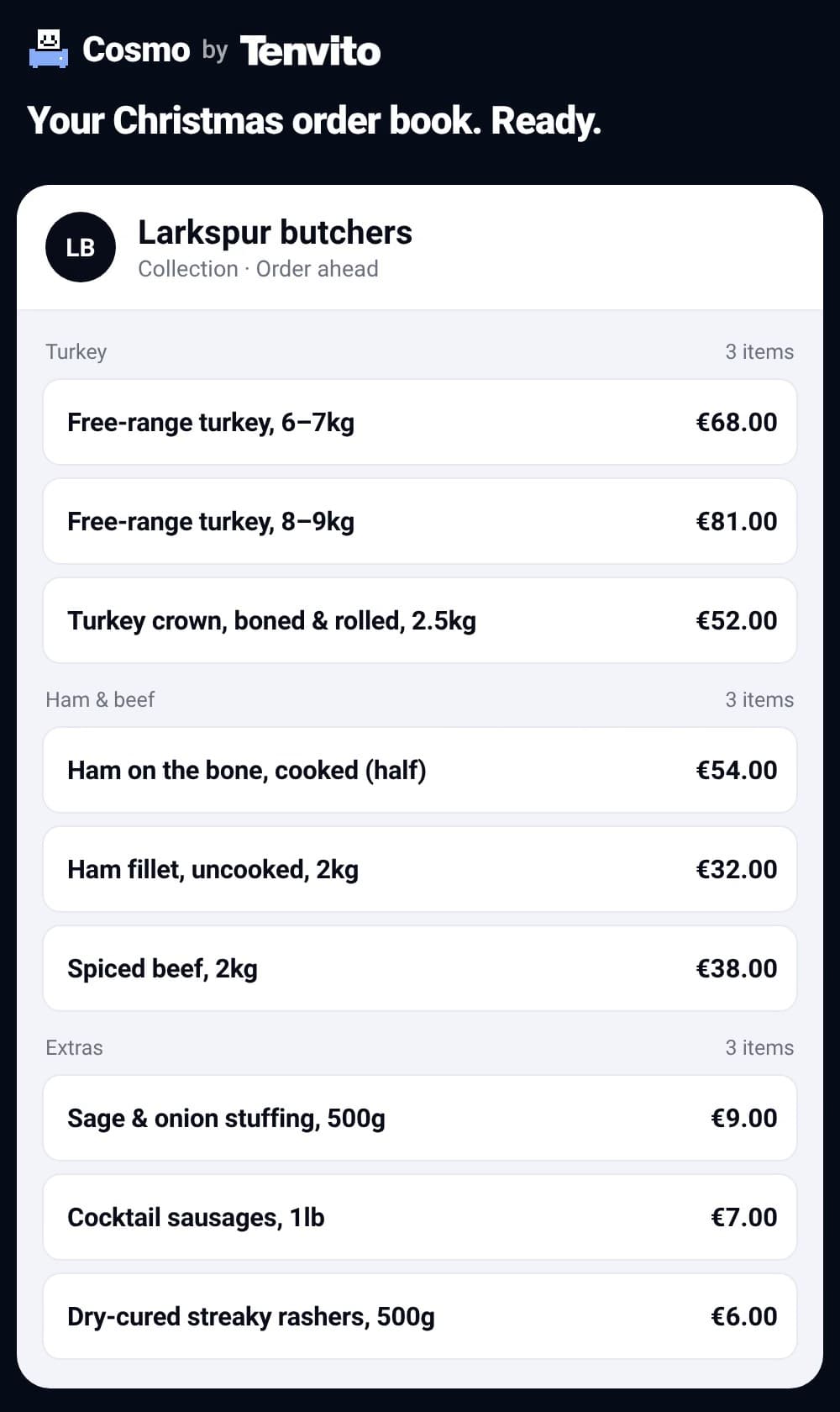
- Take one photo of your Christmas price list and Cosmo by Tenvito builds an online order book from it in about a minute.
- Customers pick their collection day and pay when they order, and their confirmation goes out by itself.
- Then the admin looks after itself: one total for every product, the day’s list, a packing slip for every bag. Hassle-free.
Every December, the order book becomes the most important thing in the shop. It’s also the most fragile. Sticky notes, crossed-out orders, a phone that won’t stop ringing, and a customer who’s sure they asked for the 8–9kg turkey.
One photo, then an order book
He takes one photo of his Christmas price list. Cosmo by Tenvito, our assistant, reads every item and price and builds an online order book from it in about a minute. It asks a few questions, like your phone number and opening hours, and nothing goes live until you say so.
What changes in December
- Every order lands in one place.
- Customers pick their collection day and pay when they order, so you prep for orders that are already paid.
- Their confirmation goes out the moment they order.
- You get one total for every product. The book adds itself up.
- The day’s list is ready in collection order, with every note on it, and a packing slip prints for every order.
- Collection slots close when they’re full, and anything that sells out closes itself.
Everything you need to fill the orders is done for you. It’s hassle-free. The butcher gets on with being a butcher.
Set yours up
- Take a photo of your Christmas price list.
- Cosmo reads every item and price and builds your order book.
- Answer a few questions and check it. Nothing goes live until you say so.
- Share the link in your window, on WhatsApp and on your socials.
- Hand everything over on the day, with one total per product.
Start with a photo at tenvito.com/christmas-order-book. If you’d rather not do it yourself, send us what you’re selling and we’ll set it up for you.
Questions
Do I have to type in my Christmas price list?
No. Take a photo of it. Cosmo reads the items and prices and builds the order book, and you check it before anything goes live.
How long does it take?
Cosmo builds the order book from your photo in about a minute. Then you answer a few questions and check it.
Can you set it up for me?
Yes. Send us what you’re selling and we’ll set up your Christmas order book for you.